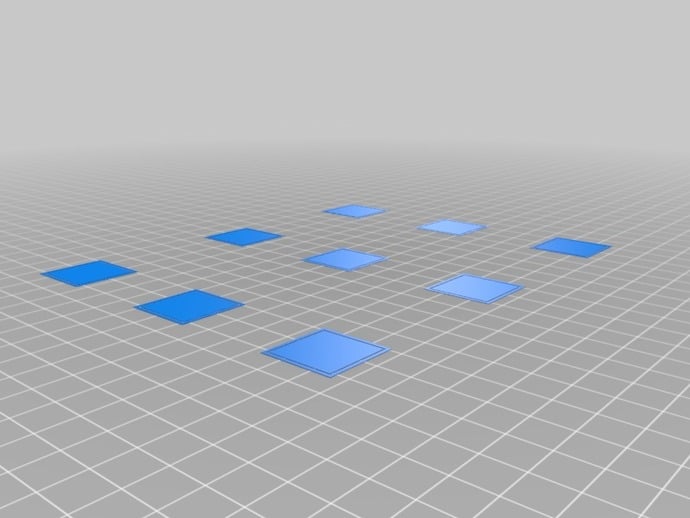
I use ABS exclusively on my Replicator 2X. I use Simplify 3D and the MakerBot software. I found that the actual surface temperature of the Heated Build Plate was about 10 deg C lower than the display on the 2X was indicating. I measured the surface temperature at multiple points of the bed over a half hour period using an infrared thermometer. I checked the temperature with the infra red unit exactly perpendicular and at various oblique angles, to ensure that reflectivity of the Kapton surface was not affecting the readings. I have a stainless steel replacement nozzle and run it at 238C indicated. I have not been able to get a repeatable temperature reading from the nozzle using the infra red thermometer I have.
Using Simplify3D I use 2 brims about 4mm from the part to be printed, I have used rafts only once and was totally unsatisfied with the bottom surface finish and the effort required to improve the finish apearance. I have not used them since and have no need for them. Properly set up they probably should not be necessary. They waste filament. They take longer to print. They cost in clean up time. You should work to eliminate the need for rafts. I feel they are a crutch for an improperly set machine.
I buy bulk rolls of Kapton from Asia. I wipe down with alcohol every couple of prints. You could use those white cotton gloves that are used to handle museum artifacts, if you want to keep fingerprints off the surface. I preheat the build plate and the nozzle for 10 to 15 minutes before the first print of the day and before restarting after the surface may have cooled down. I use the Makerbot supplied clear cover to keep the entire interior of the unit warm. I never use slurry, hairspray, painters tape, or any other surface treatment. I just use clean Kapton. Most times I have difficulty getting the prints off, not making them stick. I keep a wood dowel and a mallet to pop some of them off. Others I use a long, 25mm wide, wood chisel to get under the edge and pop them off. Getting prints off the build plate is my biggest problem.
As others have said a flat surface and correct gap are key. BEWARE. Test the tightness of the bushings of the print carriage before levelling the bed. Do this when the unit is cold. To do this, lower the build plate. Move the carriage to about the centre of the build space. Now try to lift the print carriage up by pressing up on the bronze bushings of the carriage. If you get movement, you will have to take extra care in levelling the bed.
My unit has movement. So to level the bed you want to avoid having the carriage be lifted while placing the measuring media under the nozzle. You could have too tight a nozzle clearance or too loose if the carriage is not down evenly on all the bushings of the print carriage. I now have linear bearings on order to see if that helps. The weight of the carriage should keep the carriage assembly down. If you are not careful you could be lifting the carriage with your bond paper or feeler gauge and have one corner high and another low, causing uneven adhesion.
Finally, if I see the first layer is not sticking or is too thin, I open the front door and make a slight turn on the bed adjusting screws to raise or lower the bed. In the worst case I will pause the print job, from the front panel, reload the filament, and resume the print job.
Summary. Clean Kapton bed. Raise bed temperature. Make sure bed is level. Keep build volume warm.